Which Features Matter Most in the Best Parental Control Apps?
When parents start looking for parental control apps, the number of options can feel overwhelming. App stores are full of promises about safety, monitoring, and control. Yet many families quickly realize that not all features support real life parenting needs. Some tools add stress instead of reducing it. Others look powerful but are hard to use. Choosing the best parental control app is not about finding the most restrictive system. It is about identifying features that actually support children’s safety, development, and family balance. Understanding which features truly matter helps parents make choices that feel aligned rather than reactive.
Why more features do not always mean better protection?
Many apps compete by adding more options. More tracking. More alerts. More reports. While this can look reassuring, too many features often create confusion and fatigue.
Research on parental mediation published in Computers in Human Behavior shows that parents are more effective when tools are simple and consistent. Overly complex systems increase stress and reduce long term use. When parents stop using an app regularly, safety decreases rather than improves.
The best parental control apps focus on clarity. They offer a limited number of well designed features that support boundaries without constant intervention.
Screen time management as a core feature
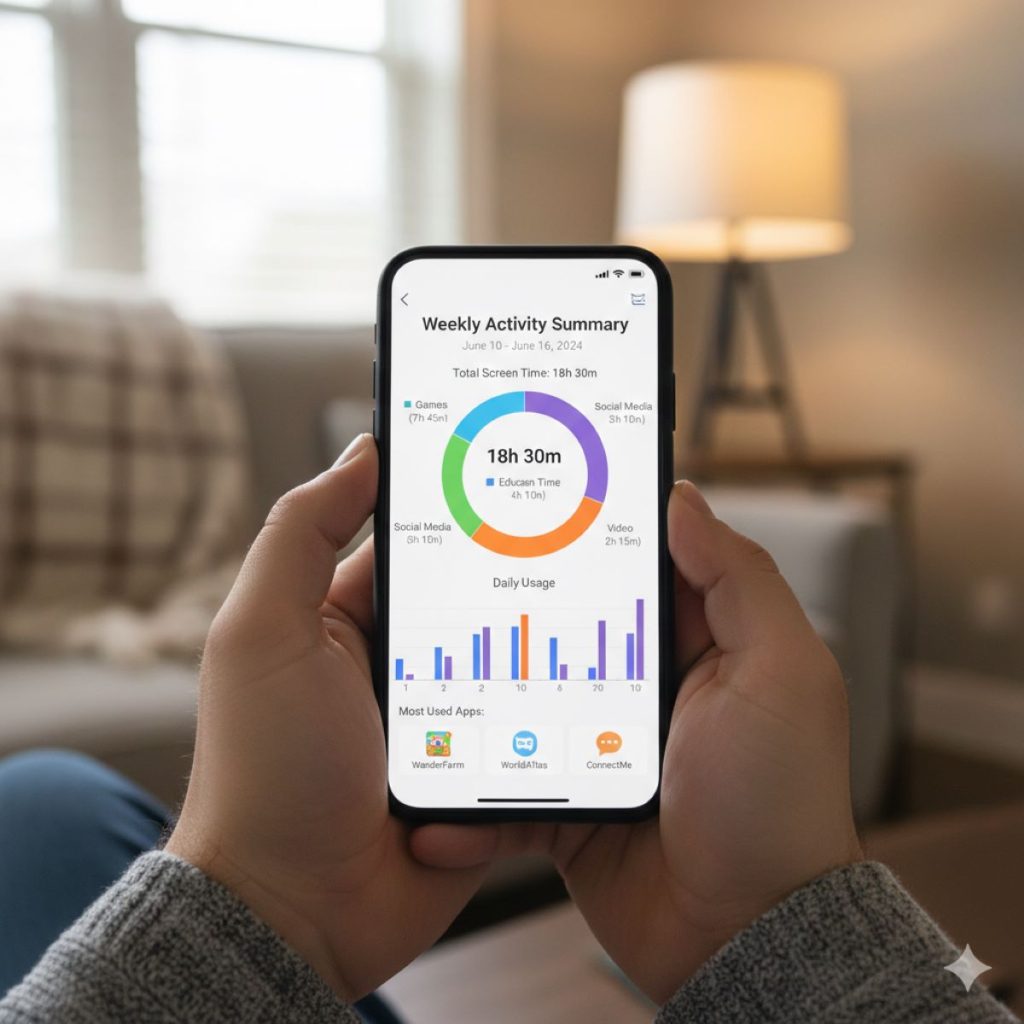
Screen time limits remain one of the most important tools for digital safety. The key is how those limits work.
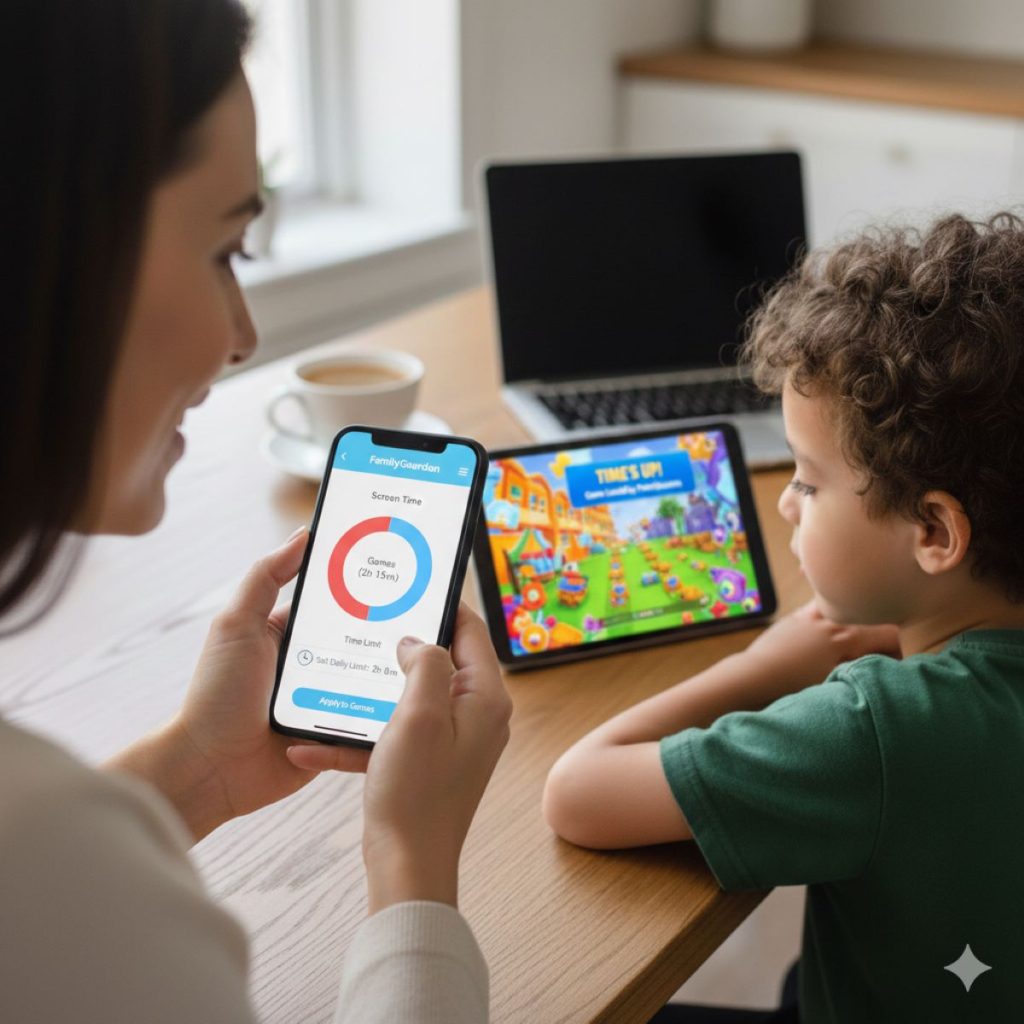
Effective screen time features allow parents to:
- set daily or weekly limits
- schedule device free periods
- pause screens remotely when needed
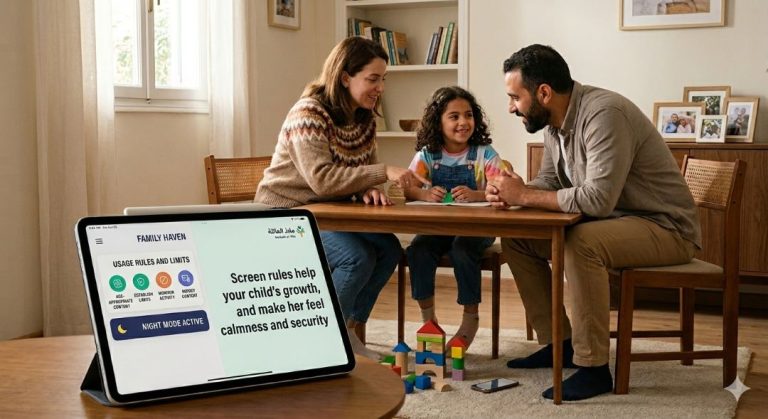
According to the American Academy of Pediatrics, predictable screen routines support better sleep and emotional regulation. Apps that automate these routines reduce daily conflict.
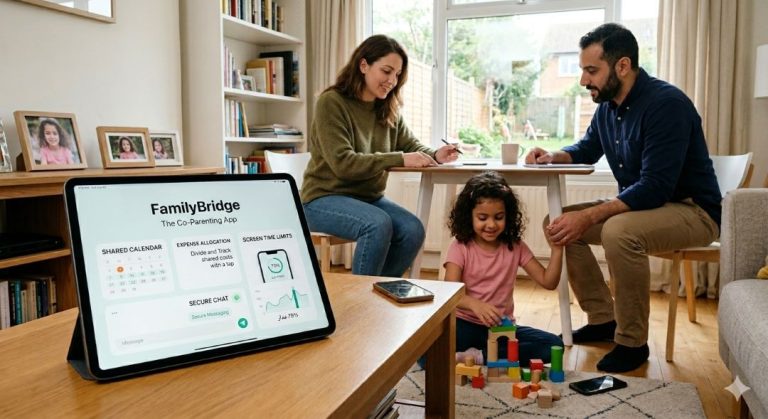
For co parents, shared screen time management becomes even more important. When limits apply across homes, children experience stability. This consistency was discussed earlier in how co parenting apps help manage screen time across homes, where shared rules reduced negotiation and stress.
App and content filtering that respects age and development
Content filtering protects children from inappropriate material. Yet filters that are too rigid can block useful or educational content. Filters that are too loose fail to protect.
The best apps allow parents to adjust filters based on age and maturity. They also explain why content is blocked. Transparency matters.
Studies from Common Sense Media show that children respond better to digital limits when they understand the reasoning behind them. Apps that support explanation rather than silent blocking encourage learning and trust.
Location tracking and safety alerts
Location features are often emotionally charged. Some parents see them as essential. Others worry about privacy.
Location tracking is most helpful when used as a safety tool rather than constant surveillance. Features that allow location sharing during specific times or situations tend to support trust.
The National Center for Missing and Exploited Children notes that location awareness tools can improve safety when paired with clear communication. The best apps allow parents to turn location features on and off easily and discuss their use openly with children.
Communication tools that reduce conflict
Parental control apps increasingly include communication features. Shared calendars. Notes. Messaging. These tools matter more than many parents expect.
When parents coordinate rules and schedules within an app, communication stays focused and practical. Emotional conflicts are less likely to escalate.
Family studies published by the American Psychological Association show that structured communication reduces co parenting stress. Apps that support this structure indirectly improve digital safety.
Reporting and insights without overload
Usage reports help parents understand patterns. However, constant alerts can increase anxiety.
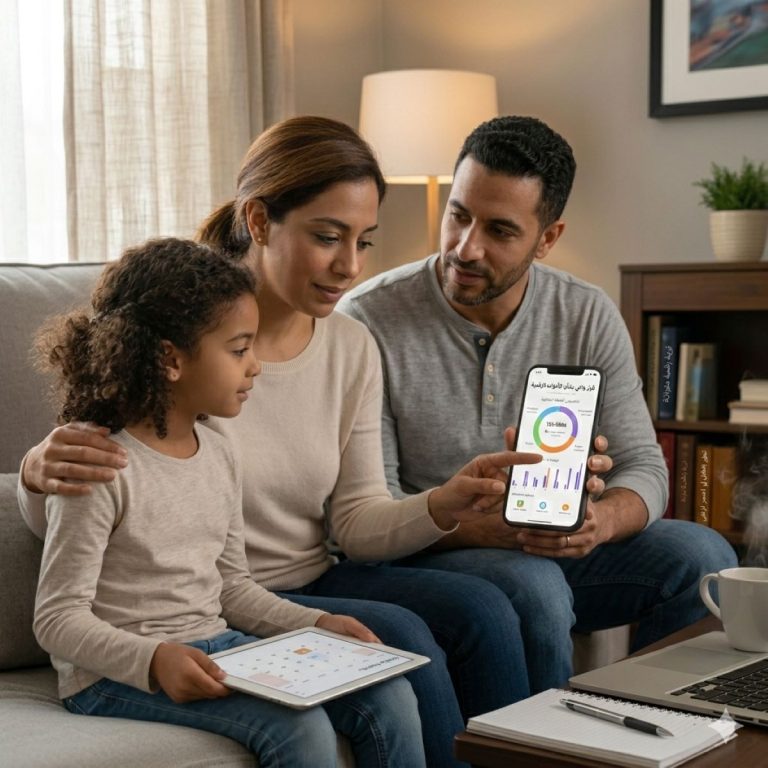
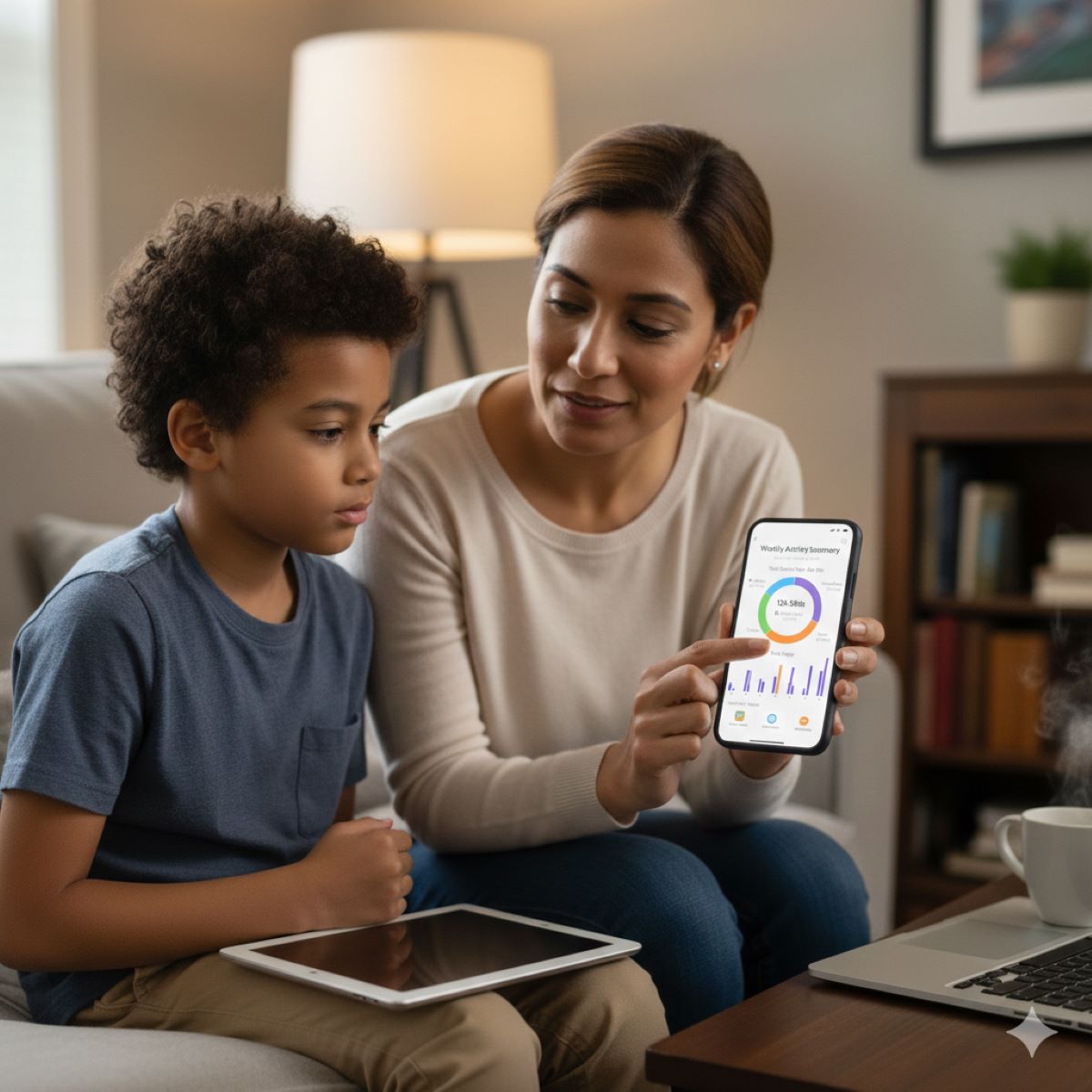
The most effective apps provide clear summaries rather than constant notifications. Weekly overviews often work better than real time alerts.
Research in behavioral science suggests that too much data leads to decision paralysis. Parents benefit from insights that highlight trends rather than details.
Reports should support conversation, not control. When used thoughtfully, they open discussions about balance and responsibility.
Customization for different family needs
Every family is different. Some children need strict limits. Others need flexibility. The best parental control apps allow customization.
Parents should be able to:
- adjust settings per child
- change rules over time
- create exceptions when needed
Customization supports development. As children grow, rules should evolve. Apps that adapt reduce the need to switch tools constantly.
Ease of use matters more than technical power
An app that parents cannot use easily will not be used consistently. Ease of use is a safety feature.
User friendly design encourages long term engagement. Clear menus. Simple language. Fast setup.
Surveys conducted by Consumer Reports show that parents abandon apps that feel complicated within the first month. Safety tools only work when they fit into daily life.
Privacy and data protection
Parental control apps handle sensitive data. Location. Usage. Communication. Privacy matters.
Parents should look for:
- clear privacy policies
- limited data sharing
- secure storage practices
Trust in the tool supports trust within the family. When parents feel uneasy about data use, they may avoid the app altogether.
Supporting independence rather than fear
The goal of parental control is guidance, not restriction for its own sake. The best apps support gradual independence.
Features that allow children to request more time or discuss limits promote responsibility. This aligns with developmental research showing that autonomy supports healthy decision making.
According to the Child Mind Institute, children learn self regulation when boundaries are clear but flexible. Apps that support dialogue rather than enforcement alone align with this approach.
Features that support co parenting alignment
For co parents alignment is critical. Shared access to settings. Shared reports. Shared updates.
When both parents see the same information, misunderstandings decrease. Children feel less caught between adults.
This alignment supports emotional safety and reduces manipulation. Children learn that rules are shared and stable.
Avoiding features that increase anxiety
Some features sound helpful but increase stress. Constant screenshots. Real time message monitoring. Excessive alerts.
Experts caution that over monitoring can damage trust and increase anxiety for both parents and children. Digital safety works best when combined with relationship based guidance.
Choosing features that support calm boundaries protects family well being.
Technology as a support system
Parental control apps are tools. They do not replace conversation, trust, or guidance. They support them.
When features align with family values, technology becomes a partner rather than a battleground.
Parents who choose apps intentionally report lower stress and better cooperation.
The best parental control apps focus on features that support safety, consistency, and emotional balance. Screen time management, age appropriate filtering, thoughtful reporting, and shared communication tools matter more than complex surveillance.
Parents benefit most from apps that fit their family rhythm and support trust rather than fear. When features reduce conflict and clarify boundaries, digital safety becomes part of healthy family life.